Your flexible staffing solution for every need
With Zenjob, you can get ready-to-work temporary staff in just a few steps.
Submit Contact Form
Schedule a Demo
Create a Company Profile and Book Temporary Staff
Our Zenjob booking platform gives you everything you need to manage your temporary staff in one place – from requesting student workers with a few clicks to real-time tracking of your orders and recording the hours worked by your temporary staff.
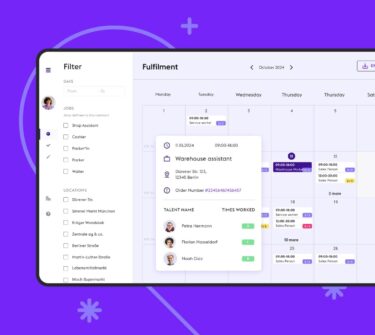
In our new Zenjob chat, you can communicate directly with the Zenjobbers booked for your shifts, right in the booking platform. This allows you to quickly and easily coordinate important aspects of the shifts and, if necessary, inform them of important changes.
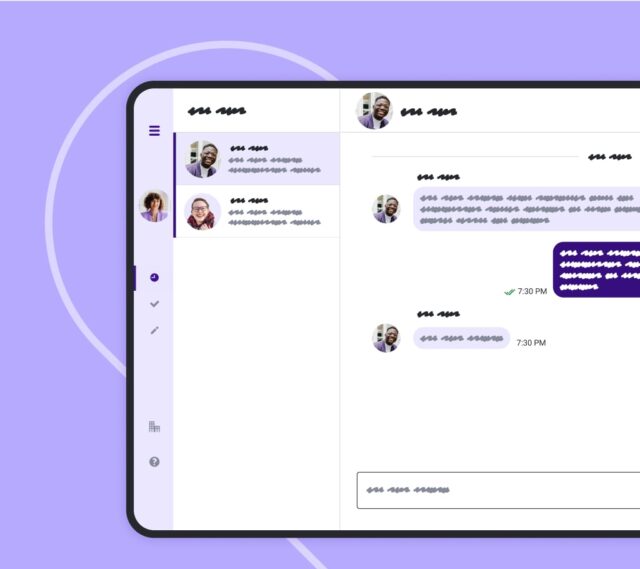
Our Zenjob booking platform makes it easy to request temporary staff flexibly. Its main features are staff booking and shift management.
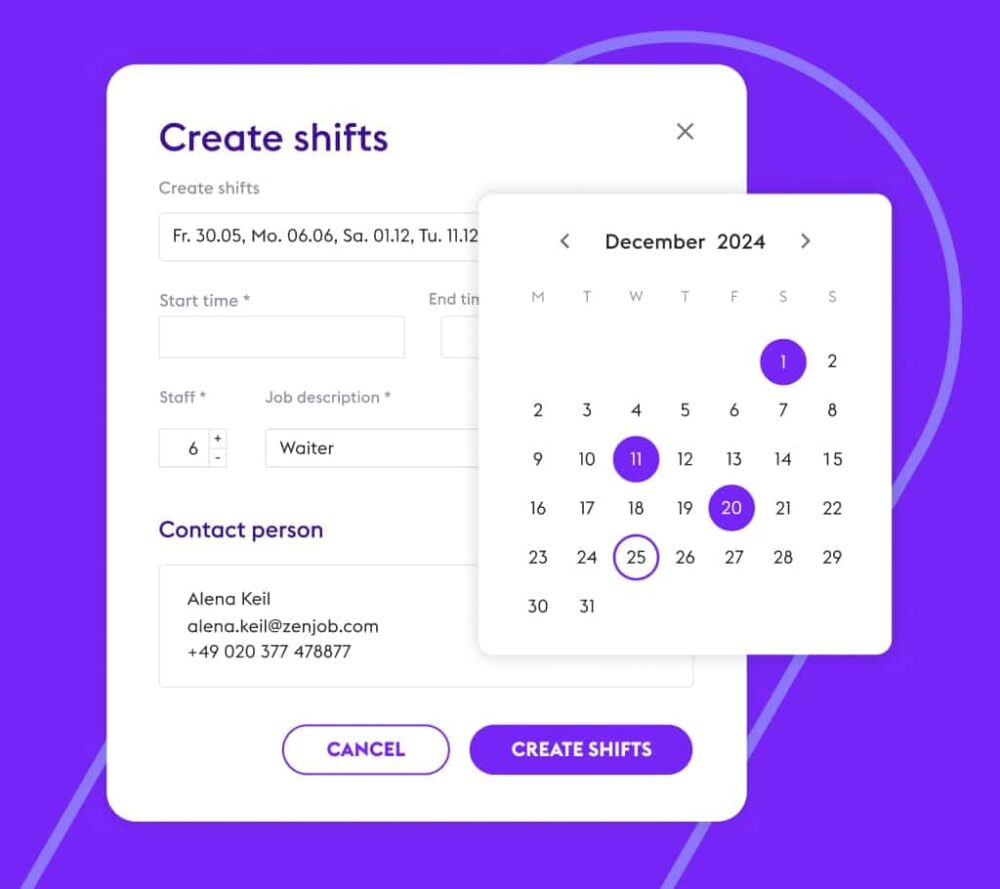
To request staff, create the planned shifts with all the relevant information, such as location, type of work, time and required skills.
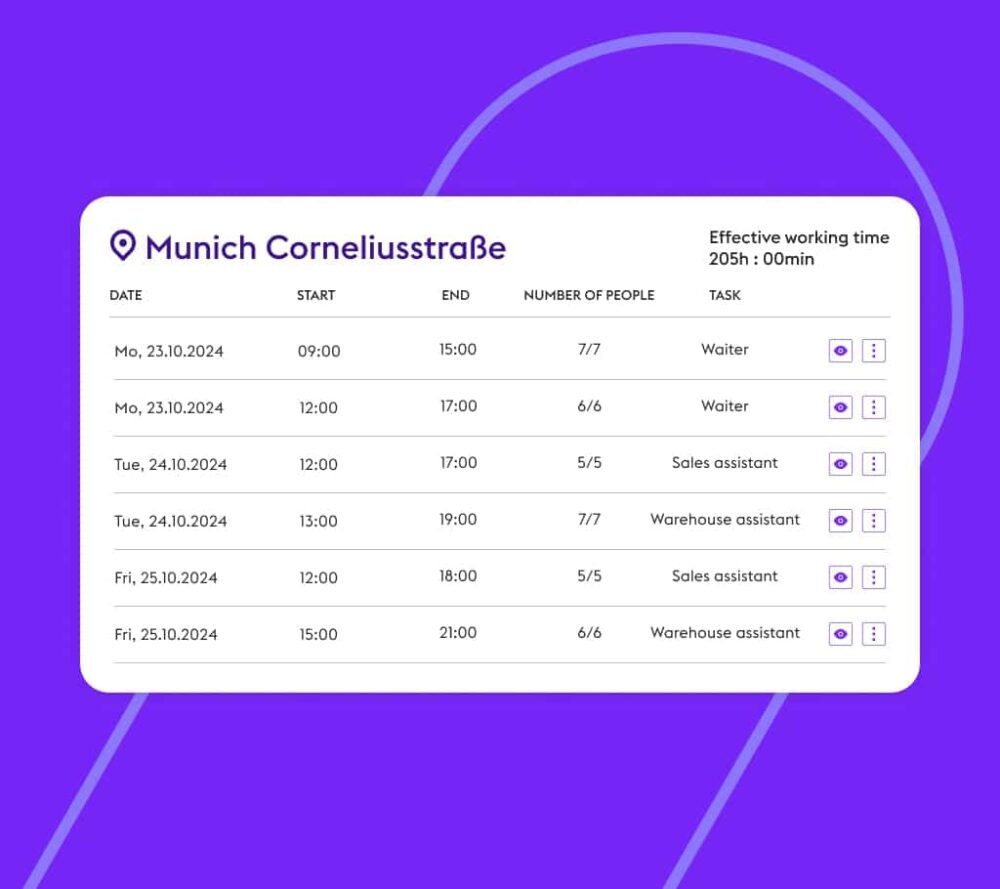
Once one of your admins approves your shift, you can track the successful booking of temps in real-time.
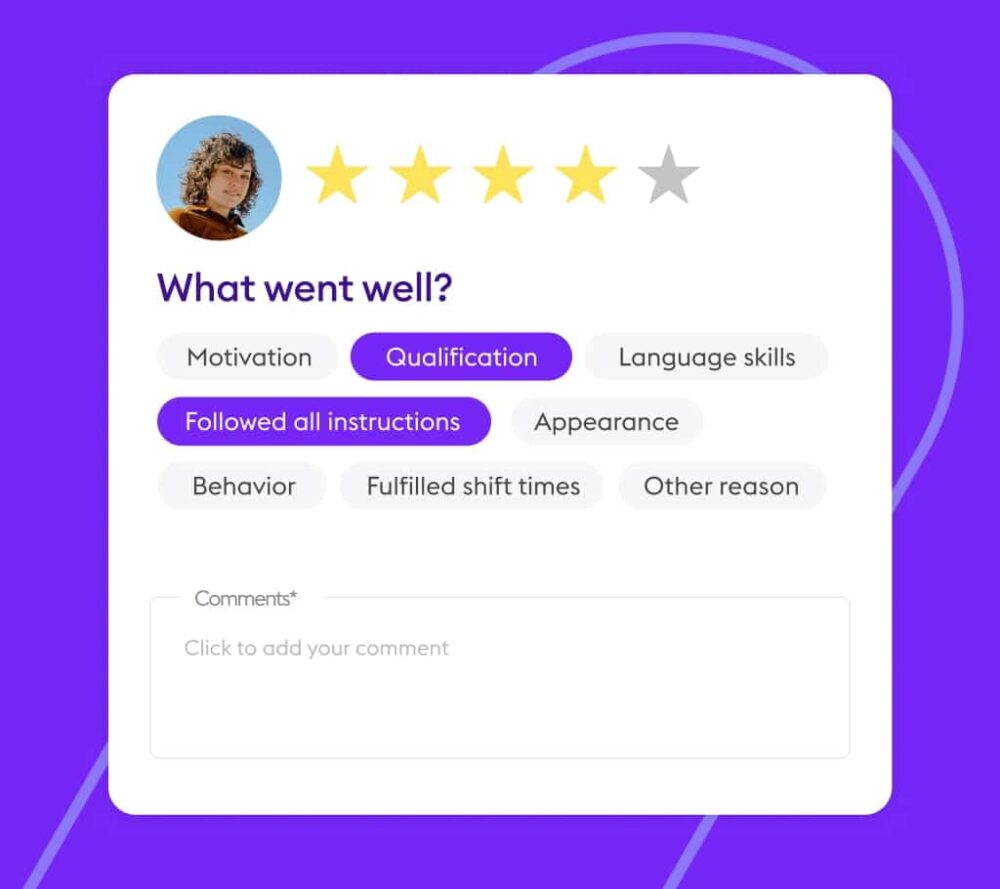
In the overview of your completed shifts, you confirm the recorded times of your temporary staff and rate your satisfaction with them.
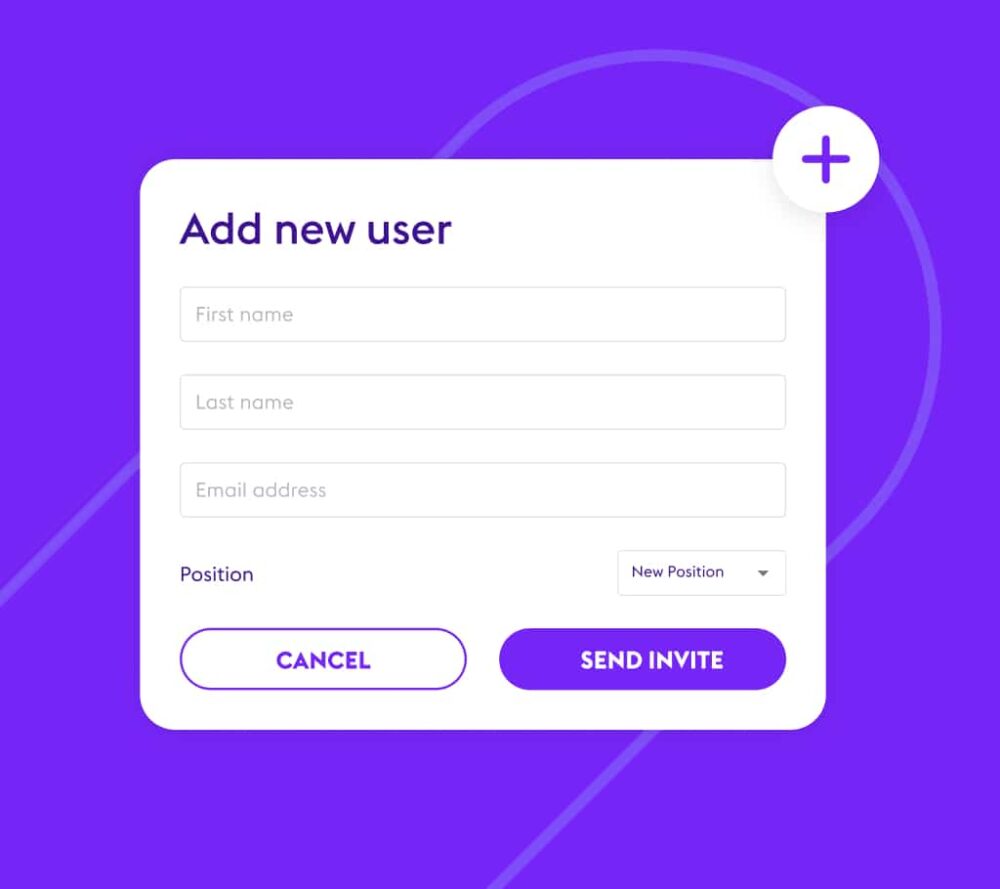
With just a few clicks, you can create new locations and users. You can choose from several roles with different user rights for your users.
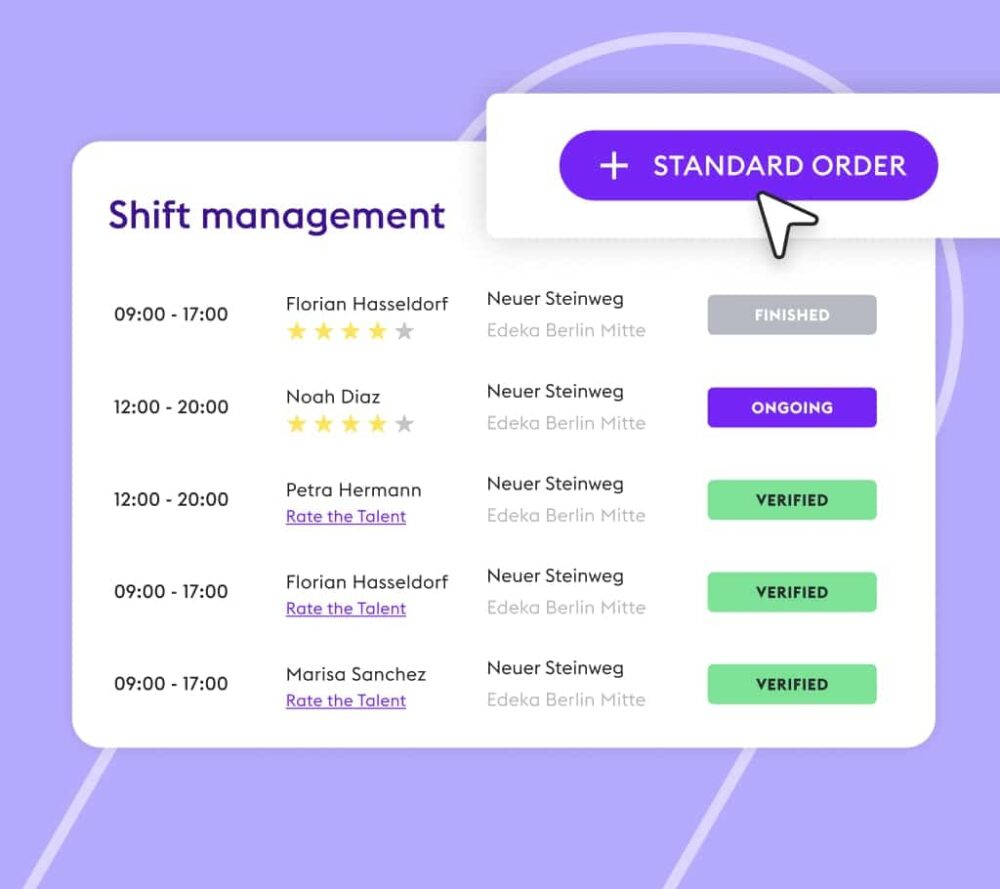
Our standard order process allows you to request our temporary staff as usual. You can make a separate order for each location, including several shifts on different days with different job roles. In just a few clicks, you can specify the job role, the day, the start and end times of the shifts and how many temporary staff you need.
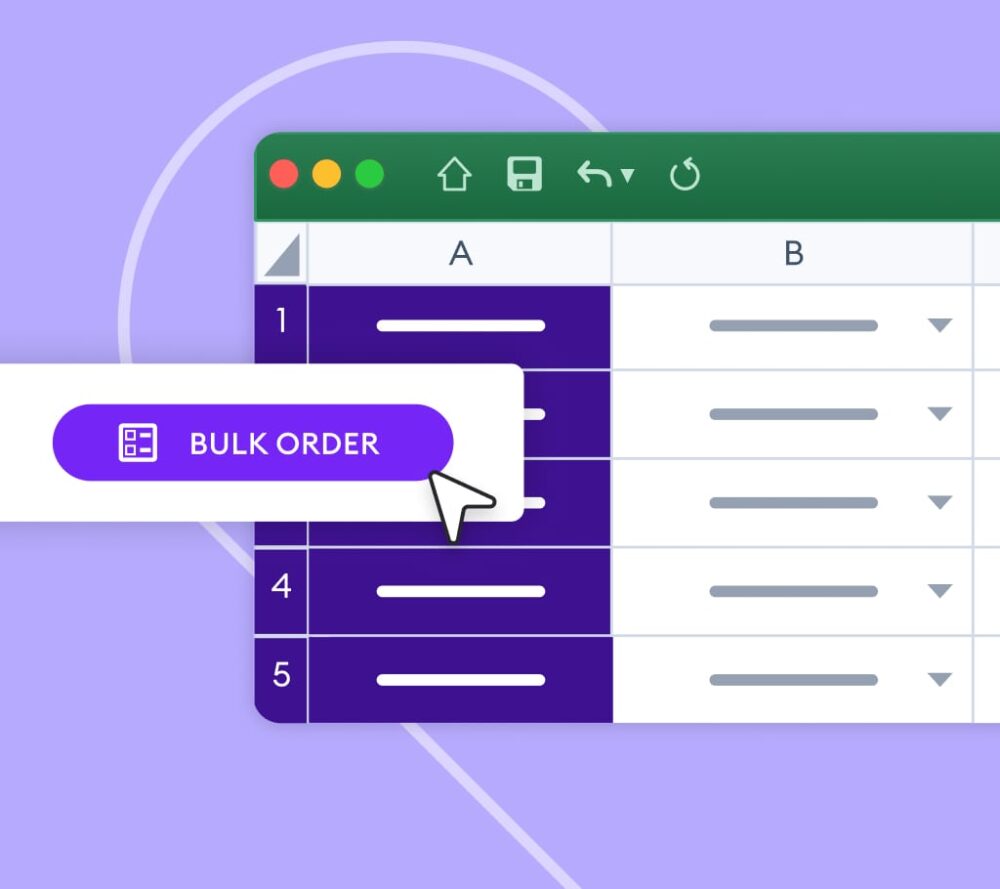
Our bulk order is particularly useful if you want to create multiple shifts in different job categories on multiple dates and locations – all at once. The biggest advantage? You can copy all booking details, such as location, shift date, shift time and number of temps, directly from a separate spreadsheet into our booking platform.
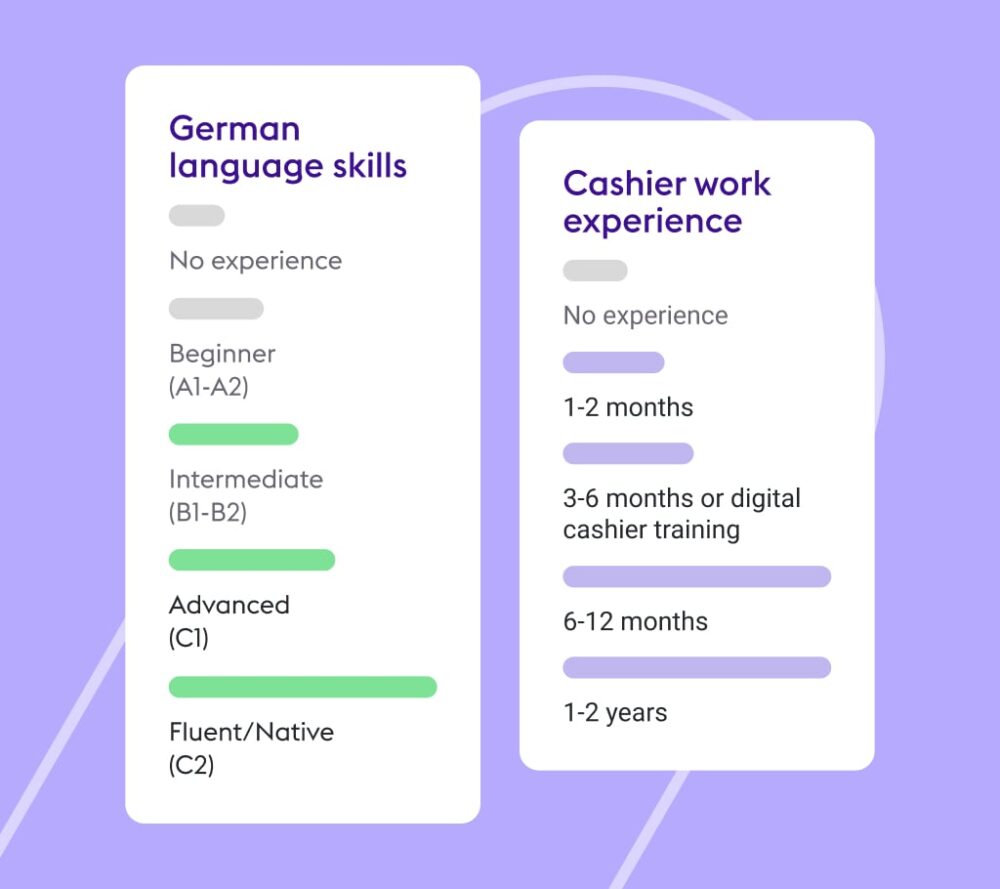
In consultation with you, we create standard requirements for the temporary staff you require. These include specific language skills, work experience or other requirements such as driver’s licenses or health certificates that your temporary staff must ideally have. In addition, we recommend a reduced version of your requirements that enables us to book suitable temporary staff for you even when demand is exceptionally high.
Our booking platform offers a range of features that give you a complete overview of your booking and the Zenjobbers in your pool.
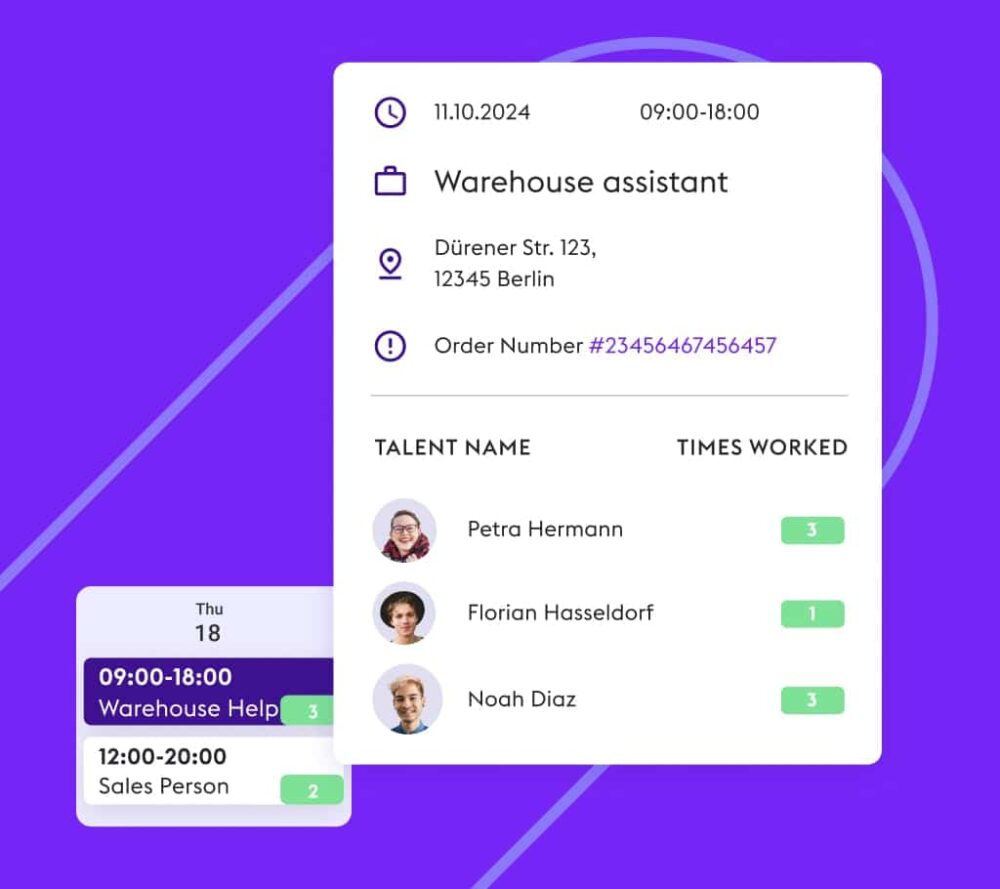
In the overview of your shifts, you can track your staff bookings in real time. You can see how many people have already applied and how many and which temporary staff we have booked for you.
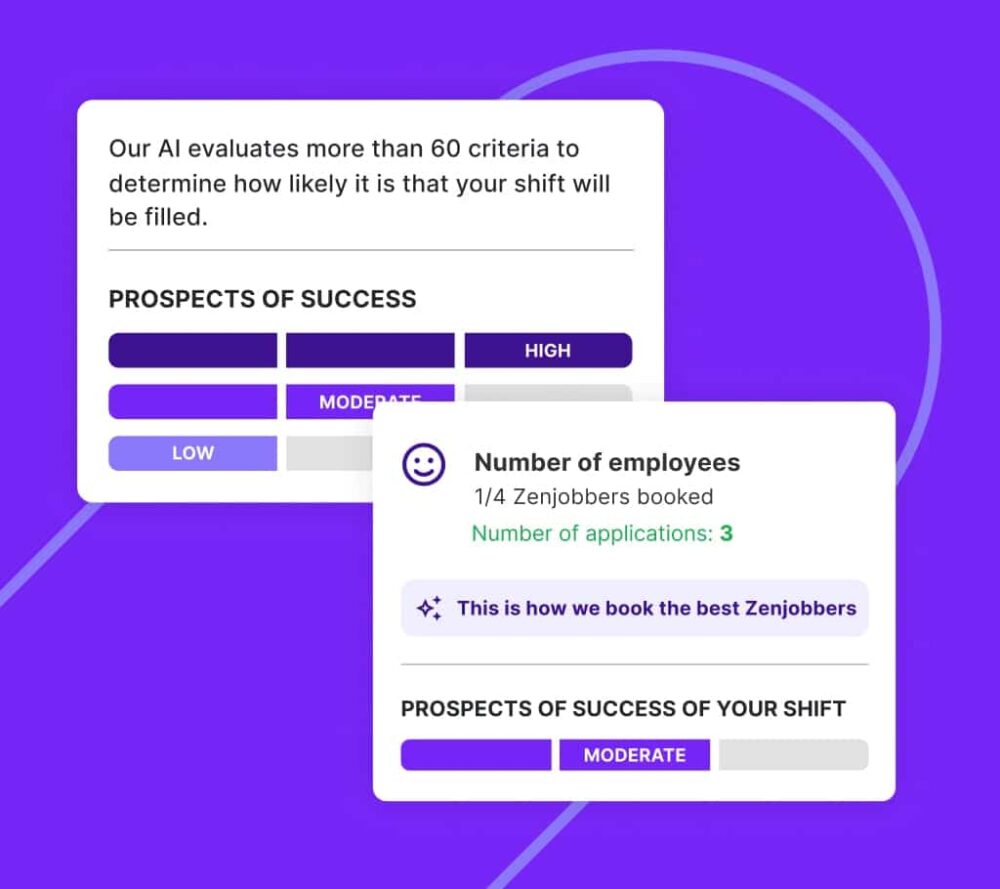
The staffing forecast is a sophisticated prediction that uses machine learning to evaluate over 60 criteria to determine the probability of your shift coverage with up to 95% accuracy.
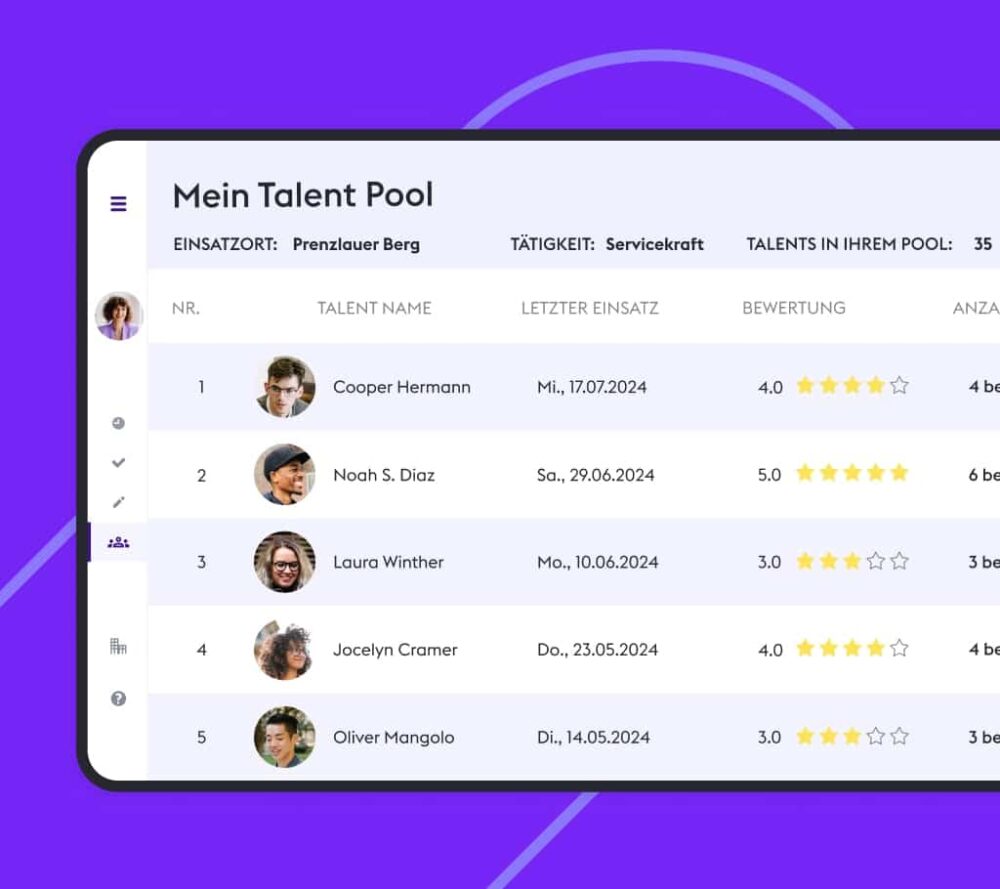
Your Talent Pool shows you an overview of all active and available Zenjobbers who have worked for you in the last 120 days. You can filter the list according to your locations and job roles.
Zenjob offers a dynamic and flexible staffing solution that efficiently connects companies with temporary staff. Thanks to our innovative technology, companies always get the support they need exactly when needed.
With Zenjob, you can get ready-to-work temporary staff in just a few steps.
Submit Contact Form
Schedule a Demo
Create a Company Profile and Book Temporary Staff

The Zenjob staffing platform allows you to request our student assistants with just a few clicks. Providing everything you need for staffing and administration in one place, it helps you find the right staff with minimal effort. As well as creating shifts, you can track staffing in real time, confirm shift times and rate Zenjobbers. You may also cancel shifts or adjust the number of temporary staff required as necessary, using the staffing forecast.
If you would like to gain an insight into the Zenjob booking platform for temporary staff, please contact us using the contact form. We will get back to you as soon as possible to arrange a demo appointment. You will usually receive a response from us within 24 hours on working days.
You can assign different roles to your users to restrict their usage rights if necessary.
Global roles apply to your entire company. This means that the rights of these users apply to all locations assigned to the company. For example, administrators can make and approve bookings for all locations and view all data. Global analysts can view all company data but cannot make changes.
Local roles only have access to one or more assigned locations. They have no insights or editing rights for other locations of your company. Location managers can manage one or more selected locations, make bookings for them and view their data. This role is particularly suitable for location or branch managers.
Location analysts can view all data for one or more locations but cannot manage or make bookings. They can, however, confirm the shift times of Zenjobbers and rate them. This role is particularly suitable for shift or warehouse managers.
You can independently and free of charge cancel shifts for temporary staff that last longer than 48 hours in the booking platform. Please note, however, that Zenjobbers are usually disappointed when a shift they have been booked for is cancelled. You also have the option of increasing or reducing the number of temporary workers you require at a later date in the booking platform. Please note that you cannot reduce the number of shifts if Zenjobbers have already been booked for them.
There are two ways in which you can seamlessly integrate Zenjob into your IT landscape and processes: directly via the Zenjob interfaces (API), or indirectly via our existing partnerships with Compleet Vendor, Compleet Workforce, Quinyx, ATOSS Software and Ubeya.
Our intelligent matching algorithm analyzes qualifications, experience, availability, and previous performance ratings to identify the most suitable candidates for your requirements. Each worker undergoes a thorough verification process, and many complete additional industry-specific training through the Zenjob Online Campus. After each shift, you can rate their performance, which feeds directly into our matching system and improves future placements.